Discover how the LEVOIT Core 200S air purifier removes pet odors, dander, and cooking smells. Breathe fresher air at home with this quiet, smart purifier.
Review • Home • Pet-Friendly
Disclosure: This post contains affiliate links. As an Amazon Associate, I may earn from qualifying purchases at no extra cost to you. I only recommend products I personally use and love.
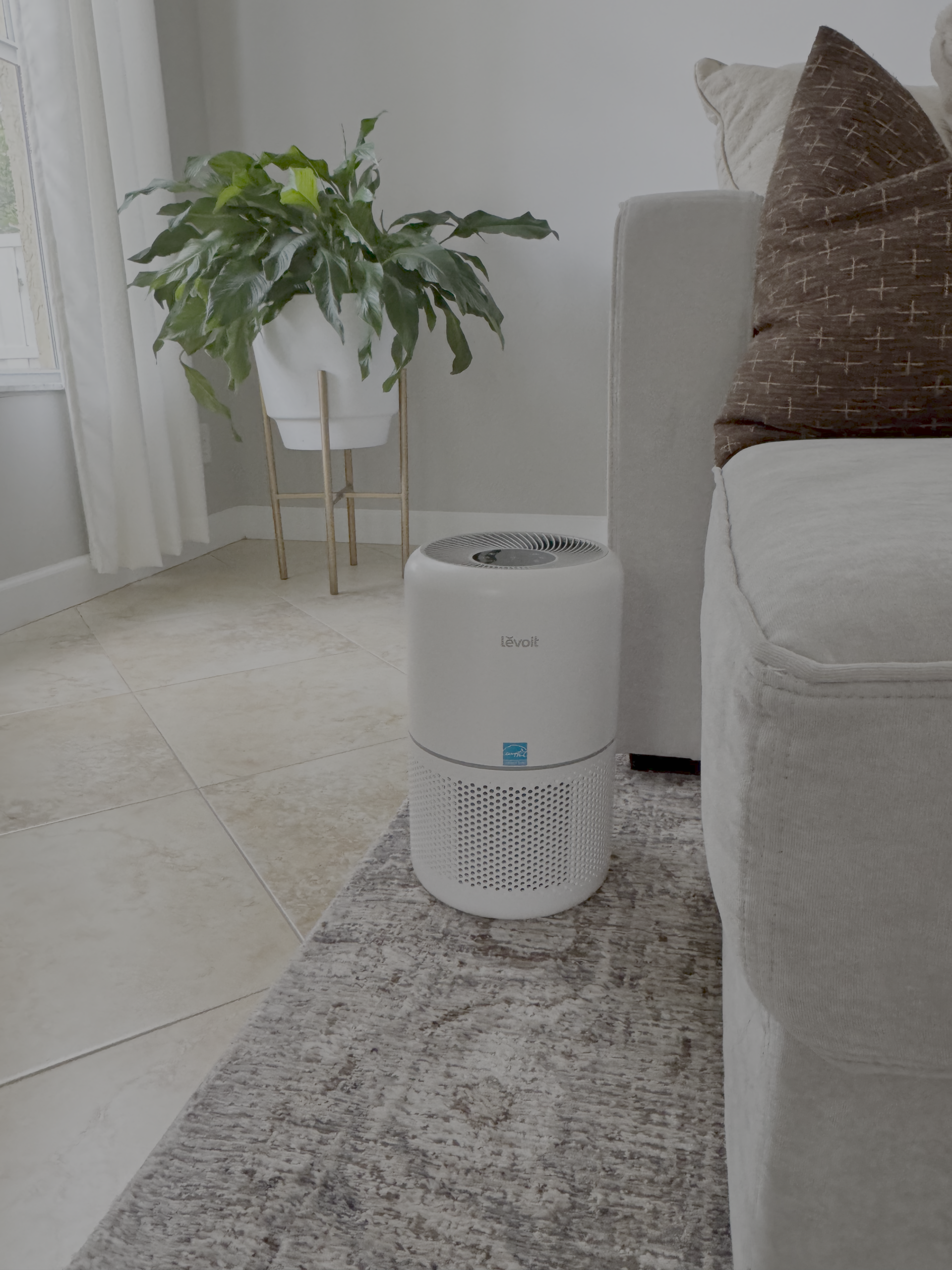
We have two dogs, and I want guests’ first comment to be, “Your house smells amazing.” The LEVOIT Core 200S has been the easiest upgrade to keep the air clear of pet odors, dander, and lingering cooking smells—without blasting artificial fragrance. Here’s my honest take after daily use, plus how I control it from anywhere with the app.
Why I Needed an Air Purifier
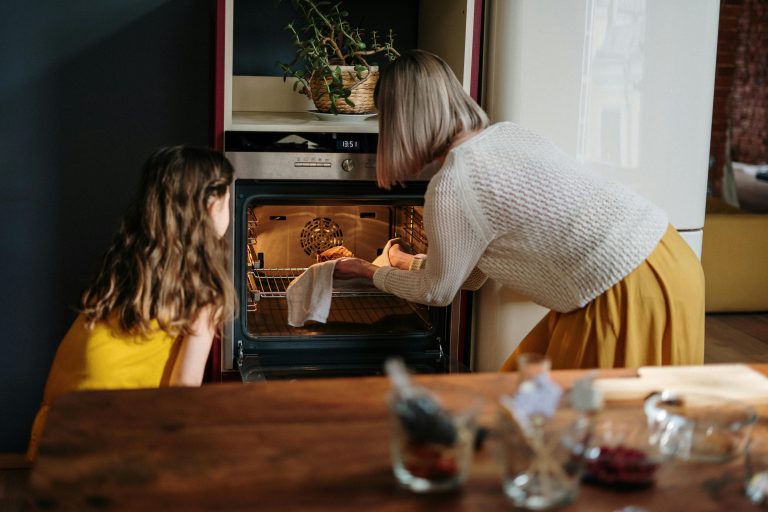
Between two dogs, muddy walks, and regular cooking, we had the classic combination of pet odor + everyday smells. I didn’t want to just mask it with strong fragrance—I wanted the air to actually feel cleaner. That’s where the LEVOIT Core 200S comes in: it helps reduce pet dander and clears lingering odors so the room resets quickly.
What I Love About the Core 200S
- Real difference with pets: The air feels lighter, and “wet dog” or post-cooking scents clear faster.
- App control (VeSync): I turn it on from my phone before I get home, and it’s fresh when we walk in.
- Hands-free options: Works with Amazon Alexa and Google Assistant if you like voice control.
- Compact & quiet: Easy to keep near the living room without feeling intrusive.
- Set it & forget it: Keep it on Auto most days; change filters on schedule for best performance.
- Auto mode most of the time
- Boost during/after cooking or rainy dog walks
- Filter changes on schedule so performance stays strong
Setup & Daily Use
Unbox, remove the filter’s plastic wrap (easy to miss!), pop it back in, and plug in. I connected it to the VeSync app to set a schedule and check status from my phone. If you use smart speakers, enable the Alexa or Google Assistant skill for hands-free control.
Notes for Pet Owners
If you share your home with dogs, place the purifier where they hang out most (ours is near the living room). It also helps to keep doors open so clean air circulates. On heavy shed days or after bath time, I bump it up for a quick reset.
Pros & Considerations
Pros
- Noticeable odor reduction with pets and cooking
- App control + voice assistants
- Compact, quiet, and easy to place
- Simple filter maintenance
Considerations
- Works best when filters are changed on schedule
- For very large, open layouts you may want more than one unit
Placement & Use Tips
- Place near where pets relax or close to the kitchen.
- Run on Auto; boost during odor-heavy moments.
- Keep doors open for air flow; vacuum and wash textiles regularly to help.
- Replace filters as recommended for consistent performance.
FAQ
Does it actually get rid of dog smell?
In my home, yes. It doesn’t mask—it helps clear the air so the “dog smell” fades quickly, especially if you also keep up with fabric care.
Is it loud?
On low/Auto it’s easy to live with; I barely notice it. I only hear it when I bump it up during heavy-duty moments (like after cooking).
Do I need more than one?
If you have a very open layout or multiple floors, consider one per main area. For our living space, a single unit makes a clear difference.
P.S. If you want to see how I pair the purifier with fabric care, surface refresh, and a cozy simmer pot, here’s my full guide: How to Keep Your House Smelling Good Every Day.